🚀TERRAFORM: - State-File Priority
Written by Sivaranjan
🌟 Terraform State File Priorities
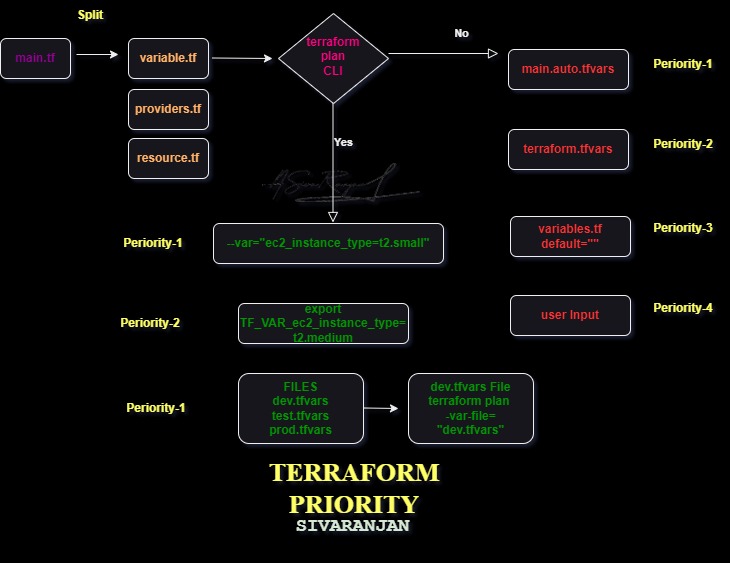
Understanding how Terraform determines the state file location and behavior is crucial for effective infrastructure management. Here’s a breakdown of the priority order, with some helpful emojis to guide you:
Priority Order
🚩 CLI Flags (
-stateand-state-out)These have the highest priority and directly influence the input and output state files for the current operation.
Example:
terraform plan -state="path/to/your/input.tfstate" -state-out="path/to/your/output.tfstate"
🌐 Environment Variables (
TF_STATE)If set, this will override the default local state file location.
Example:
export TF_STATE=path/to/your/terraform.tfstate
🔧 Workspace Configuration
The currently selected workspace determines the state file within the backend configuration.
Example:
  terraform workspace new dev
  terraform workspace select dev
📦 Backend Configuration in
terraformBlockDefines the default remote storage location and settings for the state file.
Example:
  terraform {
    backend "s3" {
      bucket = "my-terraform-state"
      key    = "path/to/my/key"
      region = "us-west-2"
    }
  }
📁 Local Default (
terraform.tfstate)- If no other configuration or overrides are provided, Terraform will use the local
terraform.tfstatefile in the working directory.
- If no other configuration or overrides are provided, Terraform will use the local
📝 Summary
🗂️ Defaults: By default, Terraform uses a local
terraform.tfstatefile.⚙️ CLI Overrides: The
-stateand-state-outflags,TF_STATEenvironment variable, and workspace commands can override the default behavior.🌍 Backend Configuration: The backend specified in the Terraform configuration files determines the remote state storage.
📊 Priority: CLI flags > Environment Variables > Workspace > Backend Configuration > Local Default.
Understanding these priorities and options allows you to effectively manage and customize the behavior of Terraform state files according to your infrastructure needs and workflows. Happy Terraforming! 🌱
Written by
Sivaranjan
♾️DevOps Engineer || ☁️ AWS Cloud || 🤵🏻 Jenkins || 🐳 Docker || 🏗️ Terraform || ☸️ K8s || 🐧Linux || 🐙 GitHub || 🌐Networking || 🖥️ Windows
Follow For More: Thank You


About the author
- Cloud & DevOps Engineer | AWS Solutions Architect | Terraform Associate | Love to work with #AWS #Terraform #Docker #Kubernetes #Jenkins #GitHub #Linux
Comments
Join the discussionNo comments yet. Be the first to comment.